Text to Image
Turn written prompts into finished images. Krea 2 leans aesthetic-first, so descriptive prompts about subject, lighting, and mood produce more intentional, composed results.
Krea 2 AI Image Generator
Explore Krea 2 to create aesthetic images from prompts, reference images, and style direction. Start online with 50 free credits and no subscription.
Sign up for 50 free credits and generate your first images — no install, no GPU.
Online AI Image Creation
Krea 2 is an online AI image generator for creators who care about the look, style, and mood of every image. Start from a text prompt, add reference images to guide a specific visual style, or build a moodboard to keep the whole creative direction consistent. Then generate, preview, and download aesthetic images directly in the browser — no setup, local installation, or GPU required.
Built as an aesthetic-first image model, Krea 2 focuses on composition, lighting harmony, color balance, and style consistency instead of only matching prompt details. Krea 2 Medium is ideal for expressive illustration, anime, painting, and concept visuals, while Krea 2 Large is better for photoreal detail, cinematic lighting, film grain, motion blur, and raw camera-style looks.
Features
Turn written prompts into finished images. Krea 2 leans aesthetic-first, so descriptive prompts about subject, lighting, and mood produce more intentional, composed results.
Add reference images and Krea 2 extracts each one's style and transfers it. Blend several references at different strengths to land on a specific look without describing it in words.
Pile in images and Krea 2 reads the board into a taste profile, style keywords, and things to avoid — then applies that direction under the hood on every generation in the board.
Choose Krea 2 Medium for fast, expressive illustration, anime, and painting, or Krea 2 Large for photorealism and raw looks. Pick the model that matches the image you need.
Generate square, portrait, landscape, widescreen, and cinematic frames. Match the ratio to the destination — a feed post, a poster, a thumbnail, or a banner — before you generate.
Move from raw to high creativity to control how closely Krea 2 follows the prompt versus how freely it reinterprets it. Lower for product accuracy, higher for concept exploration.
Showcase
A curated wall of prompts across portraits, product, illustration, anime, concept art, and photography — each placard lists the prompt, variant, aspect ratio, and creativity.
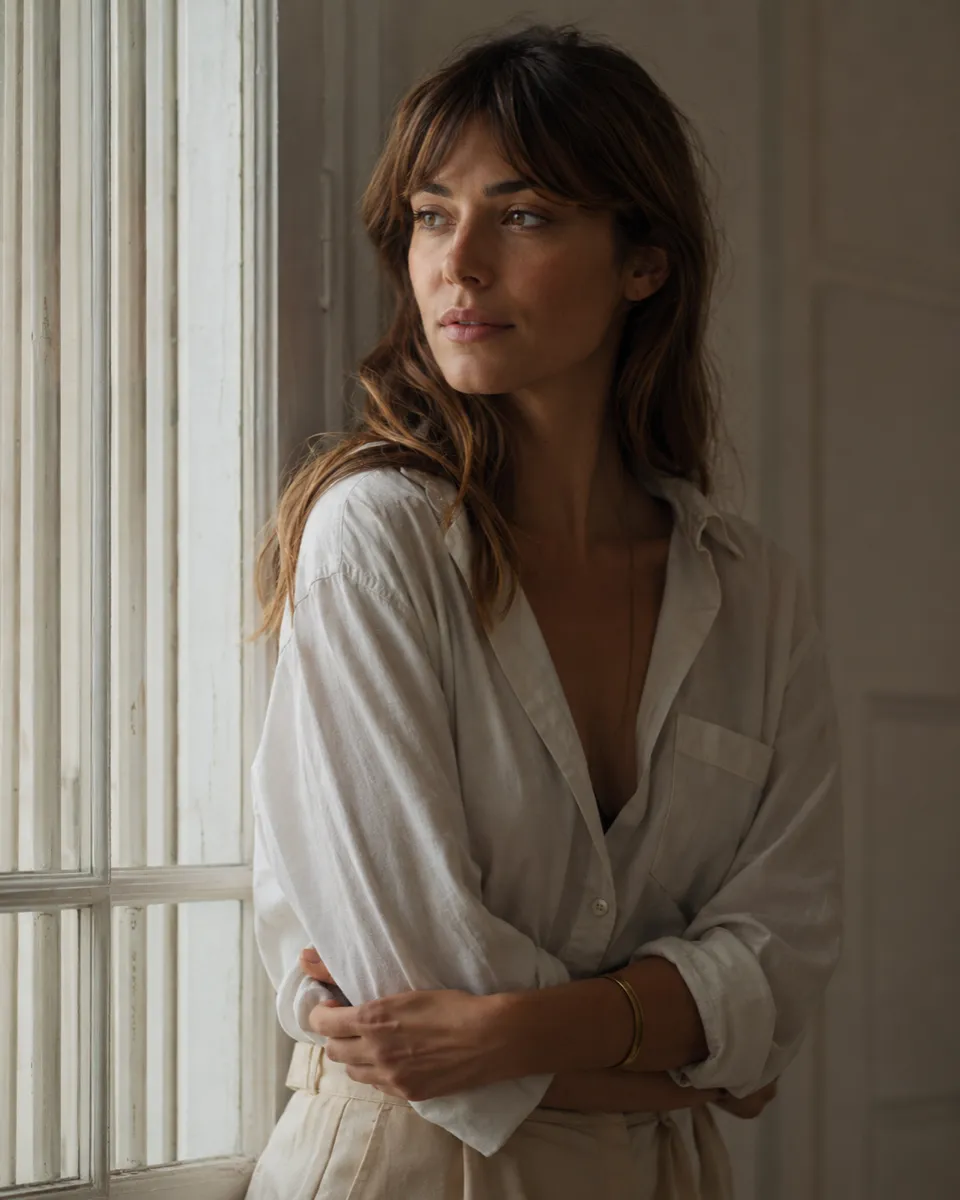
Editorial portrait by a window, soft morning light, 85mm, muted film tones
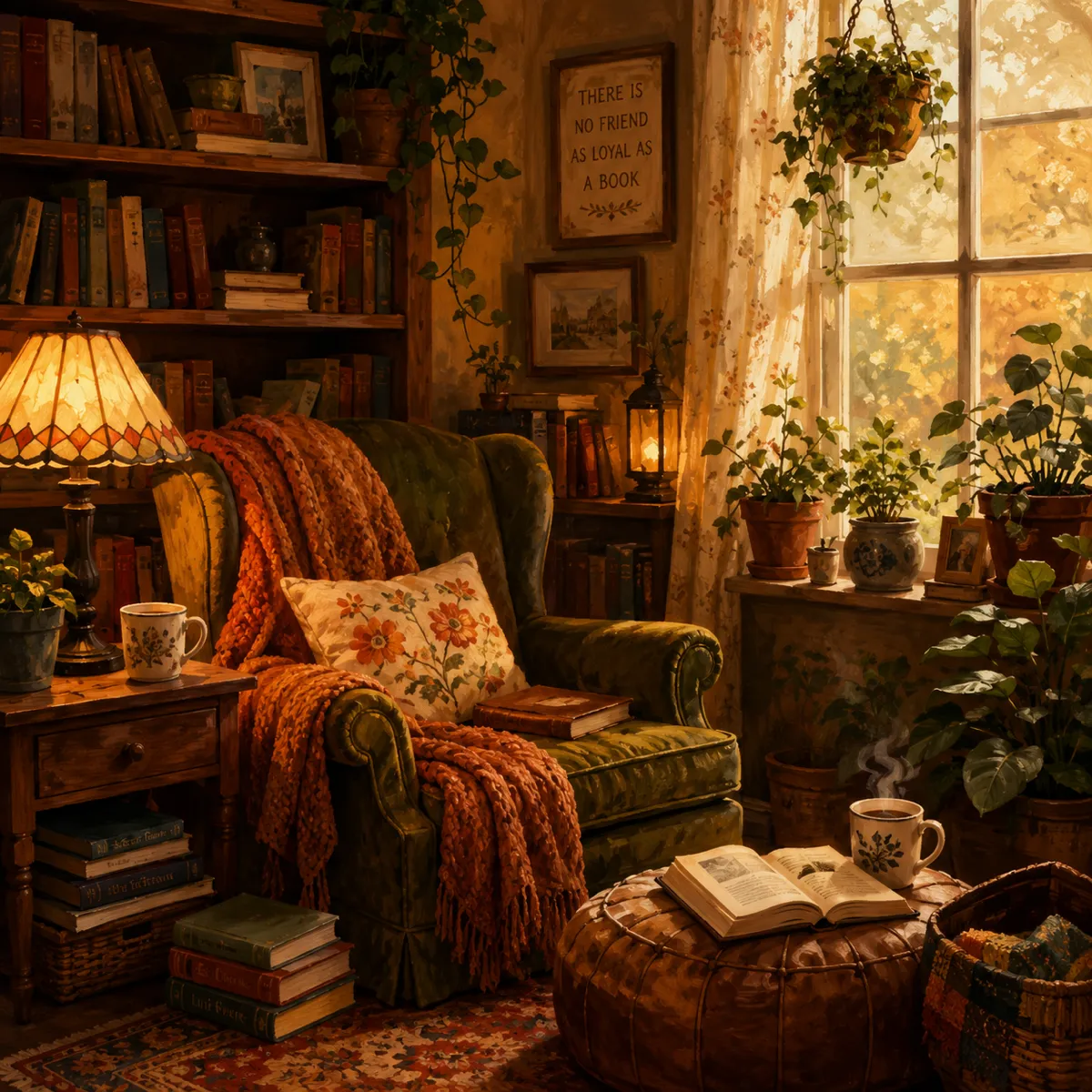
Cozy reading nook, warm lamps, potted plants, painterly illustration
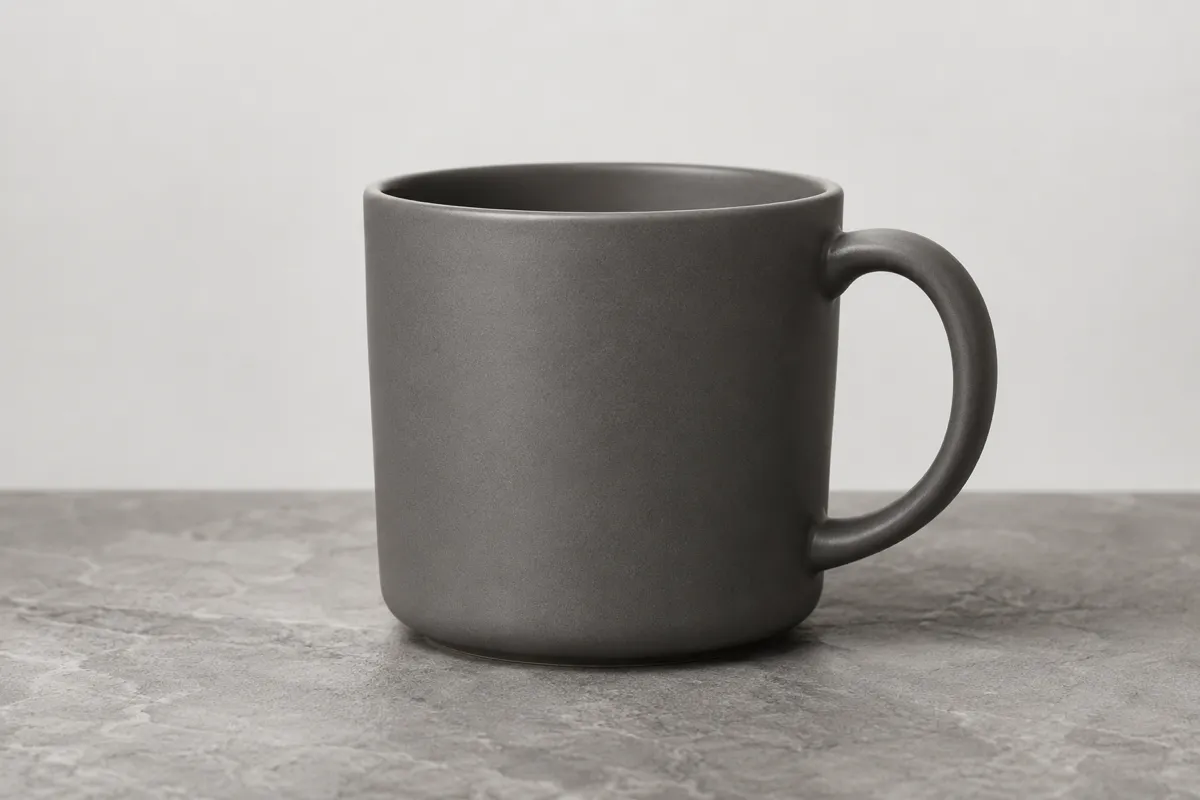
Matte ceramic mug on stone, studio softbox, clean product shot
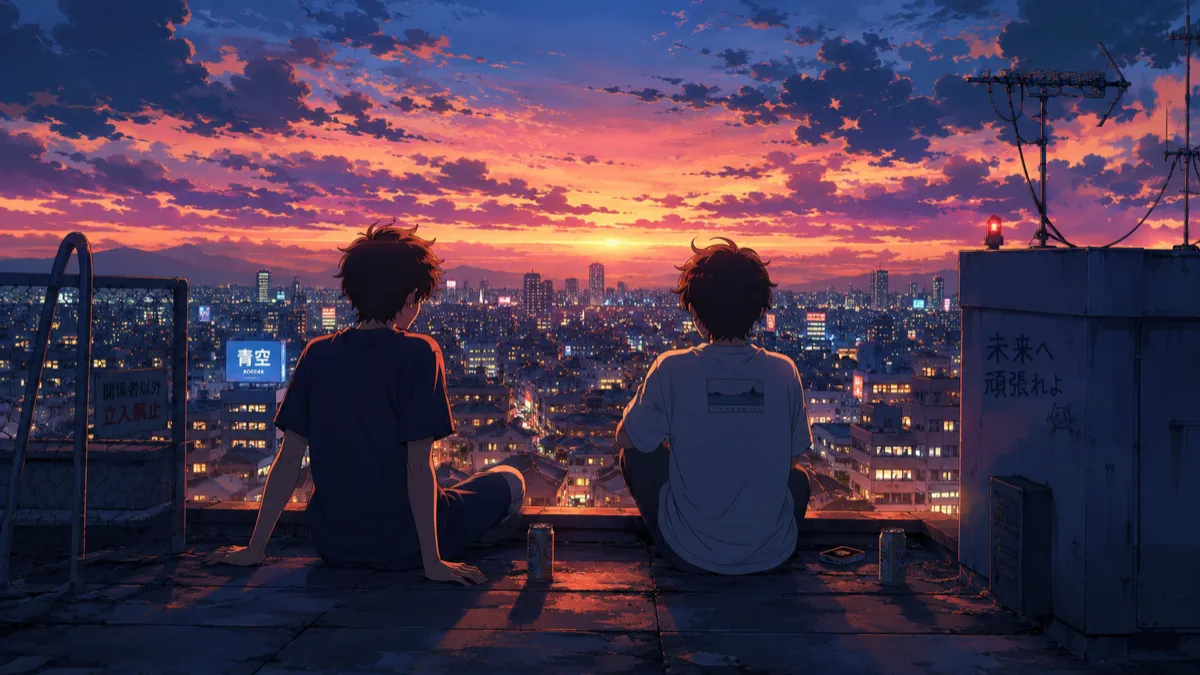
Anime rooftop at dusk, city lights, cel shading, rim light
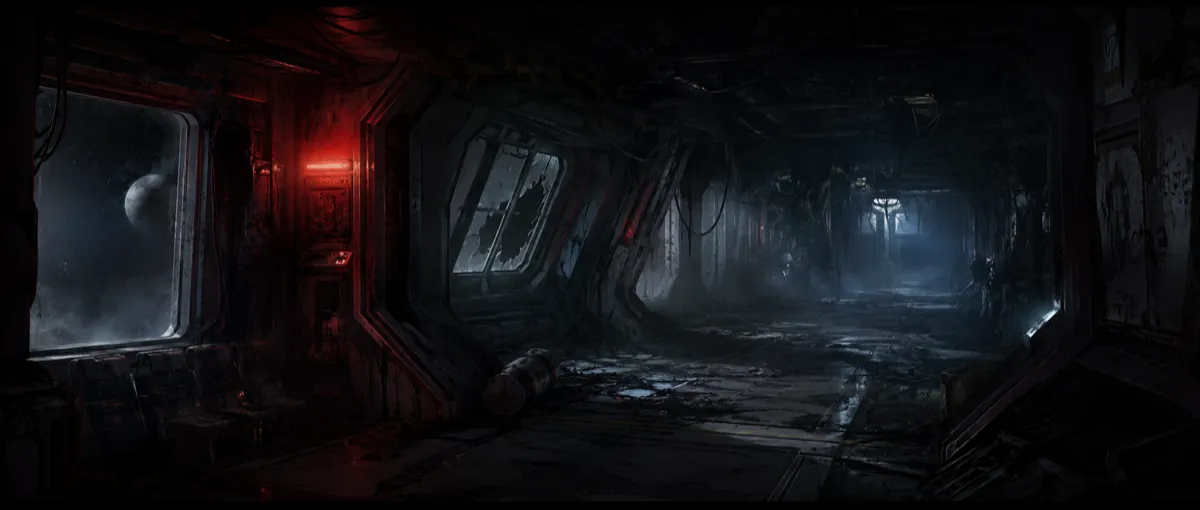
Concept art, derelict space-station corridor, volumetric haze
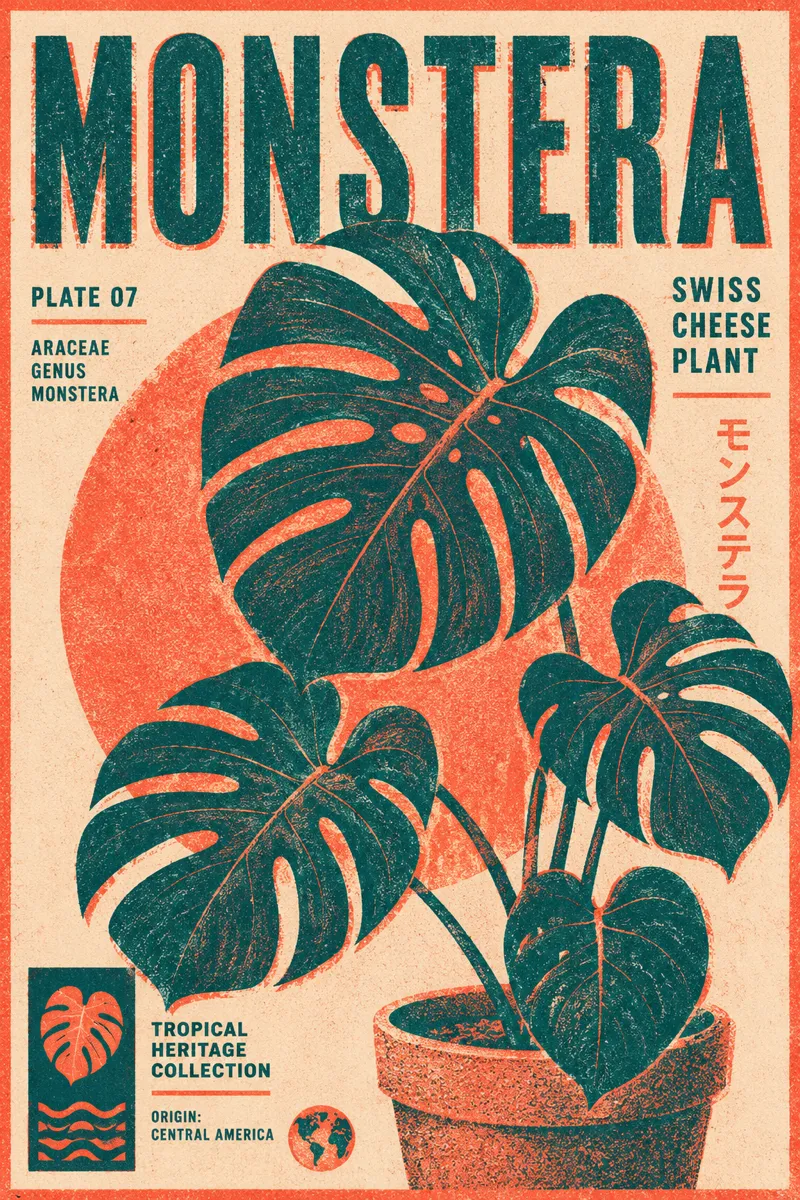
Botanical risograph poster, two-tone, grainy print texture
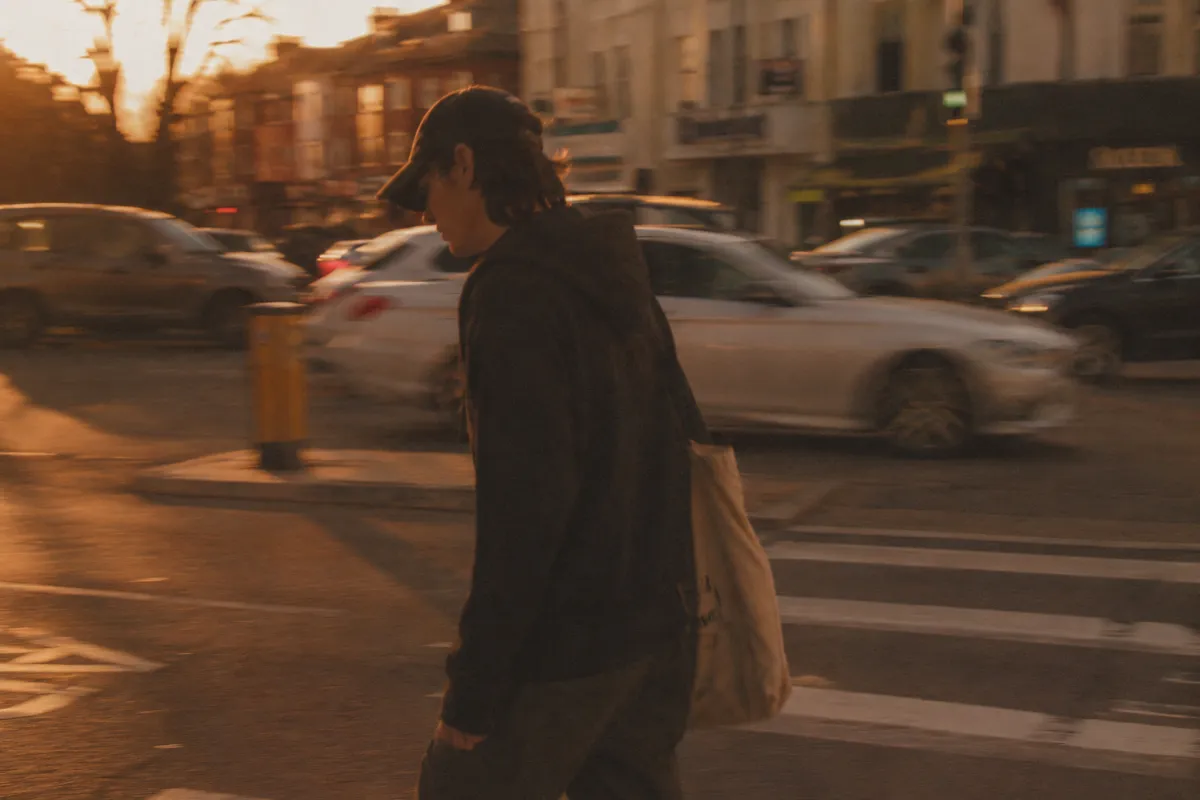
Golden-hour street photograph, motion blur, low dynamic range
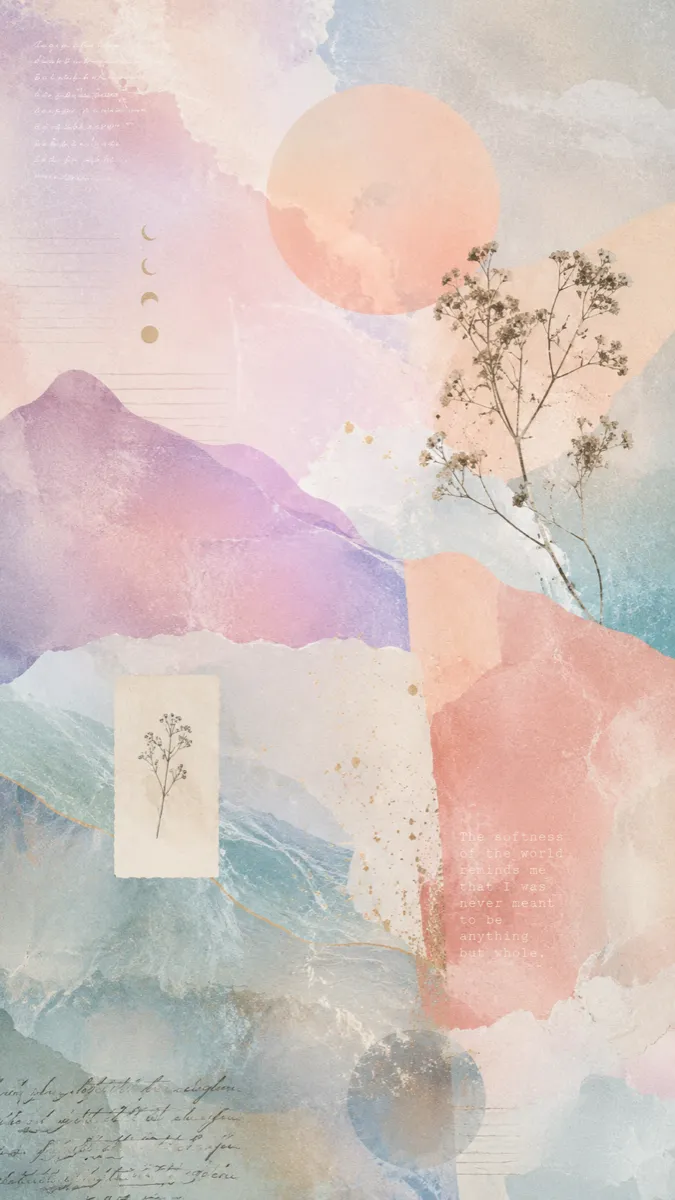
Pastel texture study, soft gradients, film grain, dreamy collage
Workflow
Creating with Krea 2 is a short loop: write a content prompt, steer it with references or a moodboard, set creativity and aspect ratio, then generate and refine. Open the Krea 2 generator to try each step in the browser.
Describe the subject, scene, composition, lighting, and mood. Krea 2 reads a content prompt better than a pile of style adjectives — say what is in the frame and how it should feel.
Upload reference images to transfer a specific look, set per-image strength to control how strongly each one applies, or build a moodboard so a whole visual universe carries across every generation.
Pick a creativity level from raw to high to balance faithful rendering against imaginative reinterpretation, then choose an aspect ratio that matches your canvas — square, portrait, widescreen, or cinematic.
Generate with Krea 2 Medium or Large, preview the result, and download it. Reuse the prompt or adjust references and creativity for a stronger second pass.
Generate your first Krea 2 images after signup
Krea 2 Medium and Krea 2 Large
Square through 2.35:1 cinematic
Raw, low, medium, and high
Krea Guide
The best Krea 2 results come from a clear content prompt plus references or a moodboard for style. Describe what is in the frame, then let reference images carry the aesthetic.
Read the Krea 2 GuideDescribe the subject and scene in the prompt and let references or a moodboard carry the style. Stacking style adjectives on top of a strong reference usually muddies the result.
When you have a target aesthetic in mind, add it as a reference image and tune the strength. It is faster and more reliable than trying to name the look in words.
For a consistent series — a brand, a story, a collection — assemble a moodboard so the taste profile and palette stay steady across every image you generate.
Start Free
New users get 50 free credits to try Krea 2 online across Medium and Large. Credit packs start at $9.90 and credits never expire — you only pay for what you generate.
FAQ
Krea 2 is an aesthetic-first AI image model from Krea AI, publicly launched in May 2026. It generates images from text prompts and reference images, with a strong focus on style control through references and moodboards. On krea2.net, you can use that workflow online in the browser: write a prompt, optionally add references, generate images, and download the result.
Yes. krea2.net lets you create AI images online from text prompts and reference images, with no local setup or GPU required. You can start in the browser, generate images, preview results, and download your creations.
Krea 2 Medium is faster and more cost-efficient, and it is especially strong on illustration, anime, painting, and expressive styles. Krea 2 Large is the more powerful variant, strongest on photorealism and raw looks such as film grain, motion blur, and low dynamic range. Pick Medium for stylized work and Large for photoreal detail.
Style references are images you add so Krea 2 transfers their look to your generation; you can blend several and set how strongly each applies. A moodboard is a larger collection of images that Krea 2 analyzes into a taste profile, style keywords, and things to avoid, then applies to every image generated within that board.
You can generate across a range of aspect ratios from square and portrait through widescreen and 2.35:1 cinematic, and choose a creativity level from raw through low, medium, and high. Lower creativity stays closer to the prompt and references; higher creativity reinterprets more freely.
No. Credits do not expire, so you can buy a pack and use it at your own pace. Generated images are retained in your library for six months, which is enough time to revisit, re-download, or iterate on earlier work.
Commercial use depends on the Terms of Service — review them before using generated images in paid campaigns or client work. As a general rule, keep prompts and references free of third-party trademarks and copyrighted characters you do not have rights to use.
New accounts receive 50 free signup credits, enough to generate a handful of images and try both Medium and Large. When you need more, credit packs start at $9.90, and credits never expire.
No. The workflow runs in the browser, so you can generate Krea 2 images without a local install or a dedicated GPU. Open the generator, write a prompt, and create — nothing to download.
Start on the Krea 2 AI Image Generator page with a simple but descriptive content prompt — name the subject, the scene, the lighting, and the mood — then generate a quick test. The guide covers references, moodboards, prompt formulas, and ready-to-copy templates.
Create Now
Turn a prompt into a finished image, transfer a style with reference images, or build a moodboard for a consistent look. No install, no credit card required.
Generate Your First Image